Updated June 22,2026 Reviewed by PDF AI Editorial Team

PDF Expert Guides

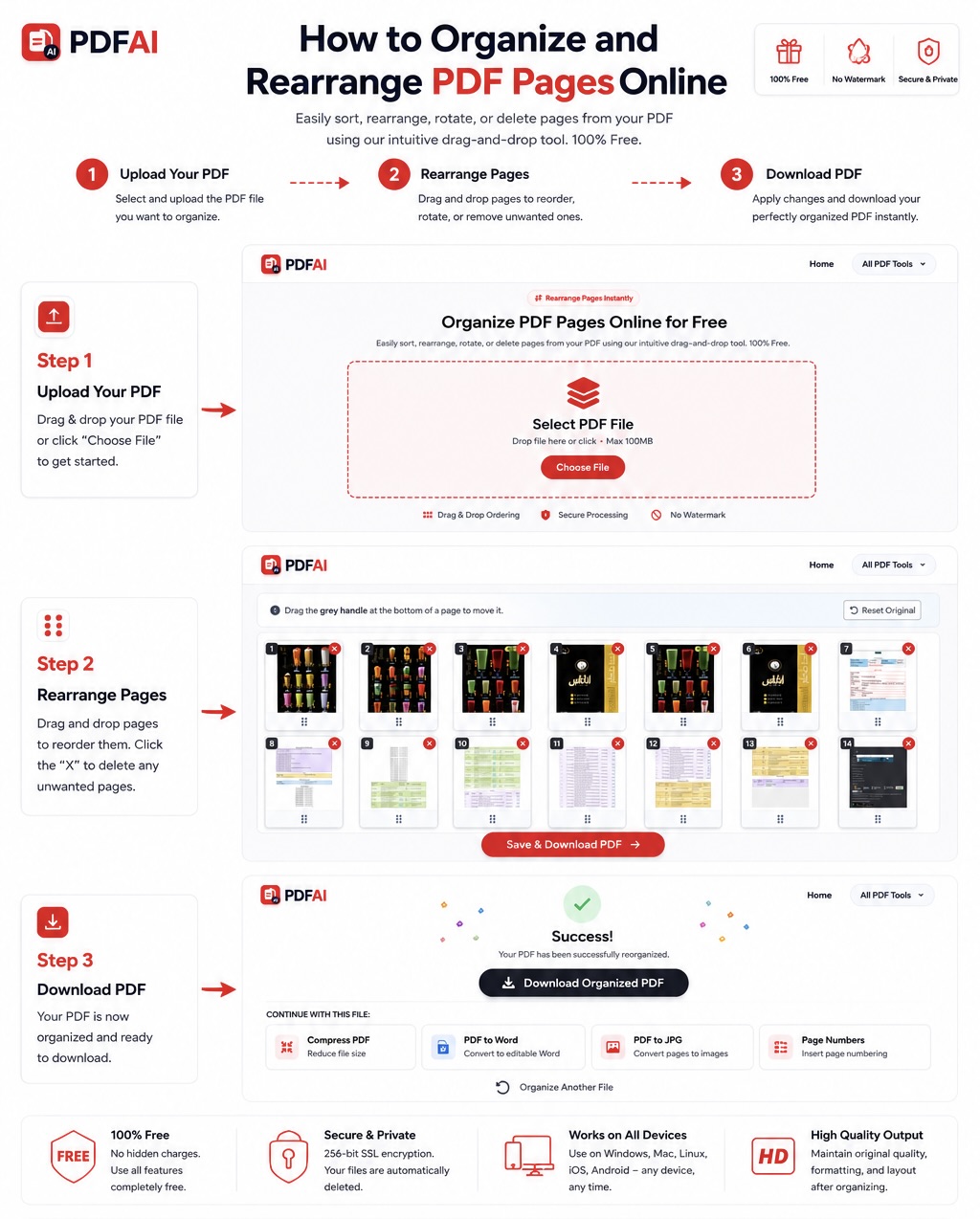
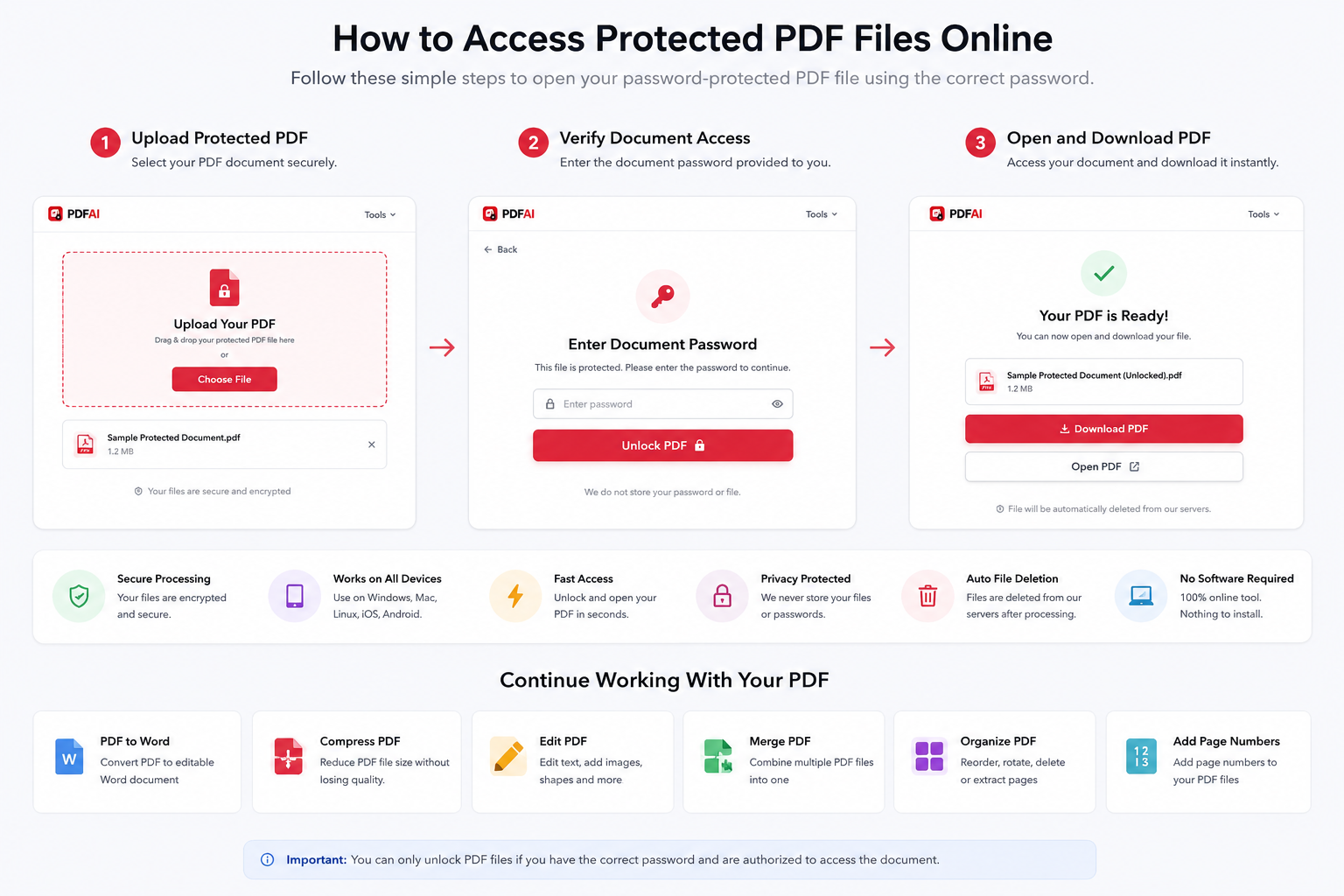
Explore free PDF guides covering PDF merging, compression, conversion, security, OCR, and document management. Learn step-by-step techniques to work smarter with PDFs and optimize your digital workflow.

No guides found

Try searching with different keywords like 'compress', 'merge', or 'word'.

Frequently Asked Questions

What is a PDF?

PDF stands for Portable Document Format. It is a versatile file format created by Adobe that preserves document formatting across different devices and operating systems.

How do I merge PDFs online for free?

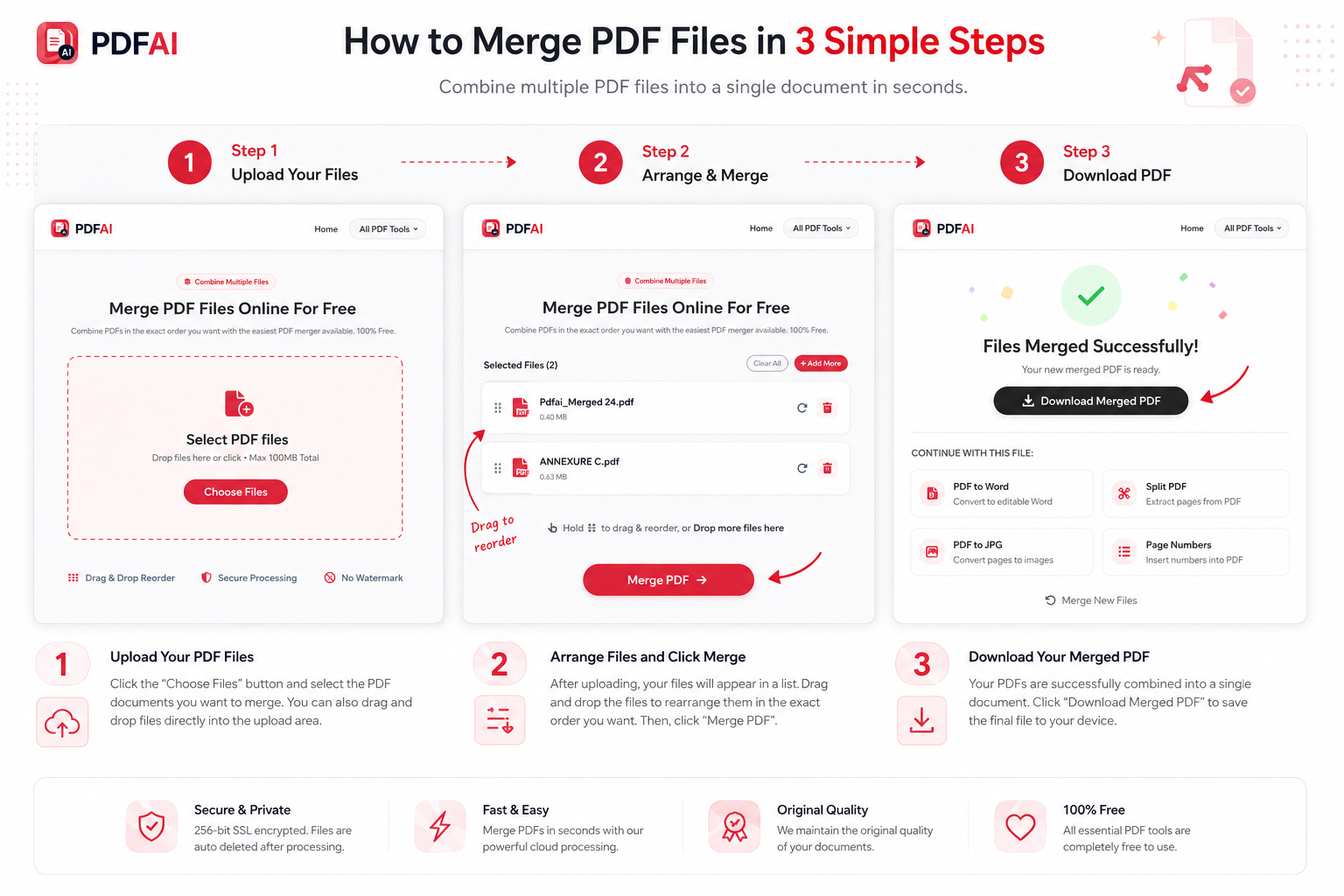
You can use our free online PDF merger tool. Simply upload multiple PDF files, arrange them in your desired order, and click merge to combine them into a single document.

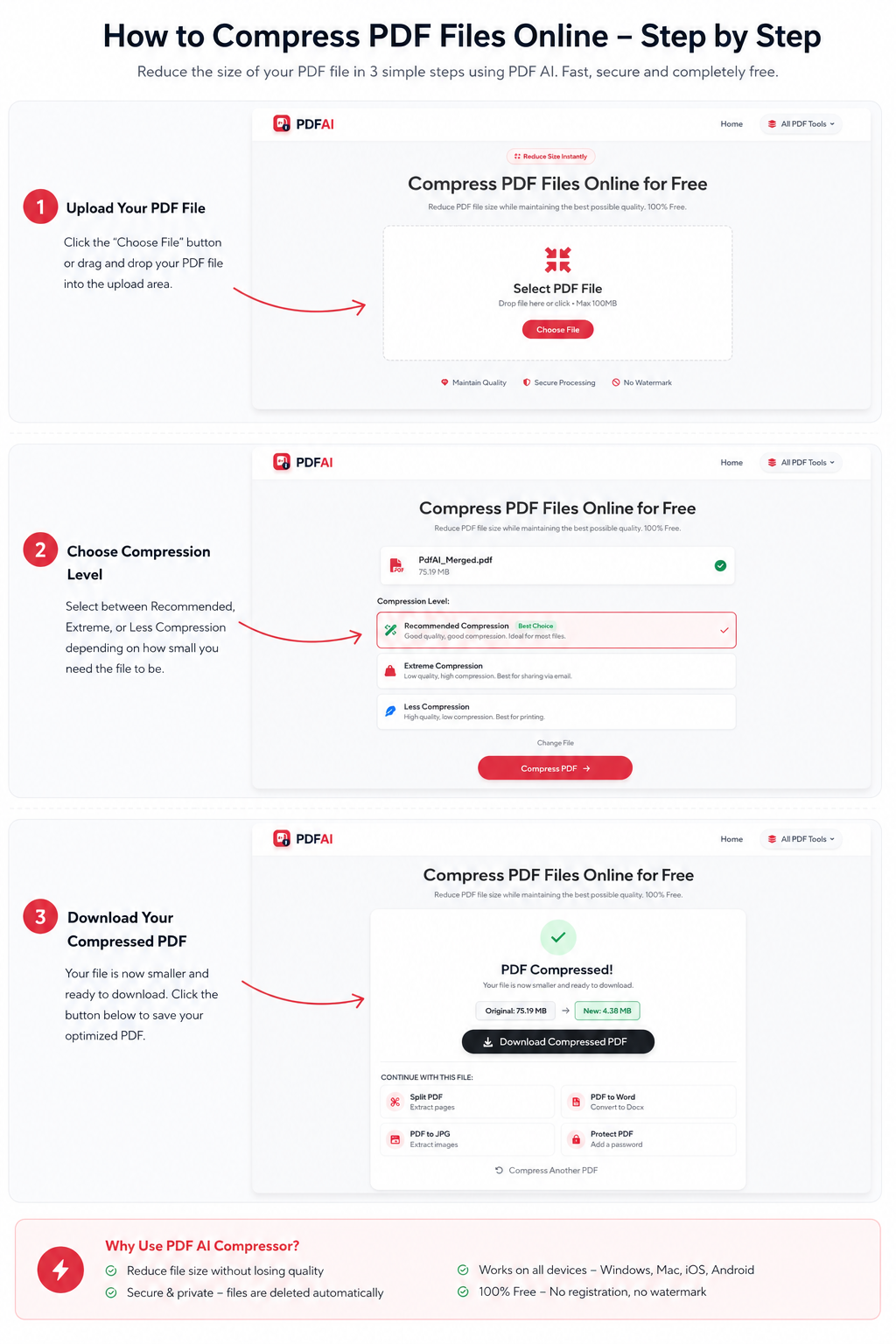
How do I compress large PDFs without losing quality?

Our PDF compressor uses advanced algorithms to reduce file size while maintaining the visual quality of images and text, making them perfect for email attachments.

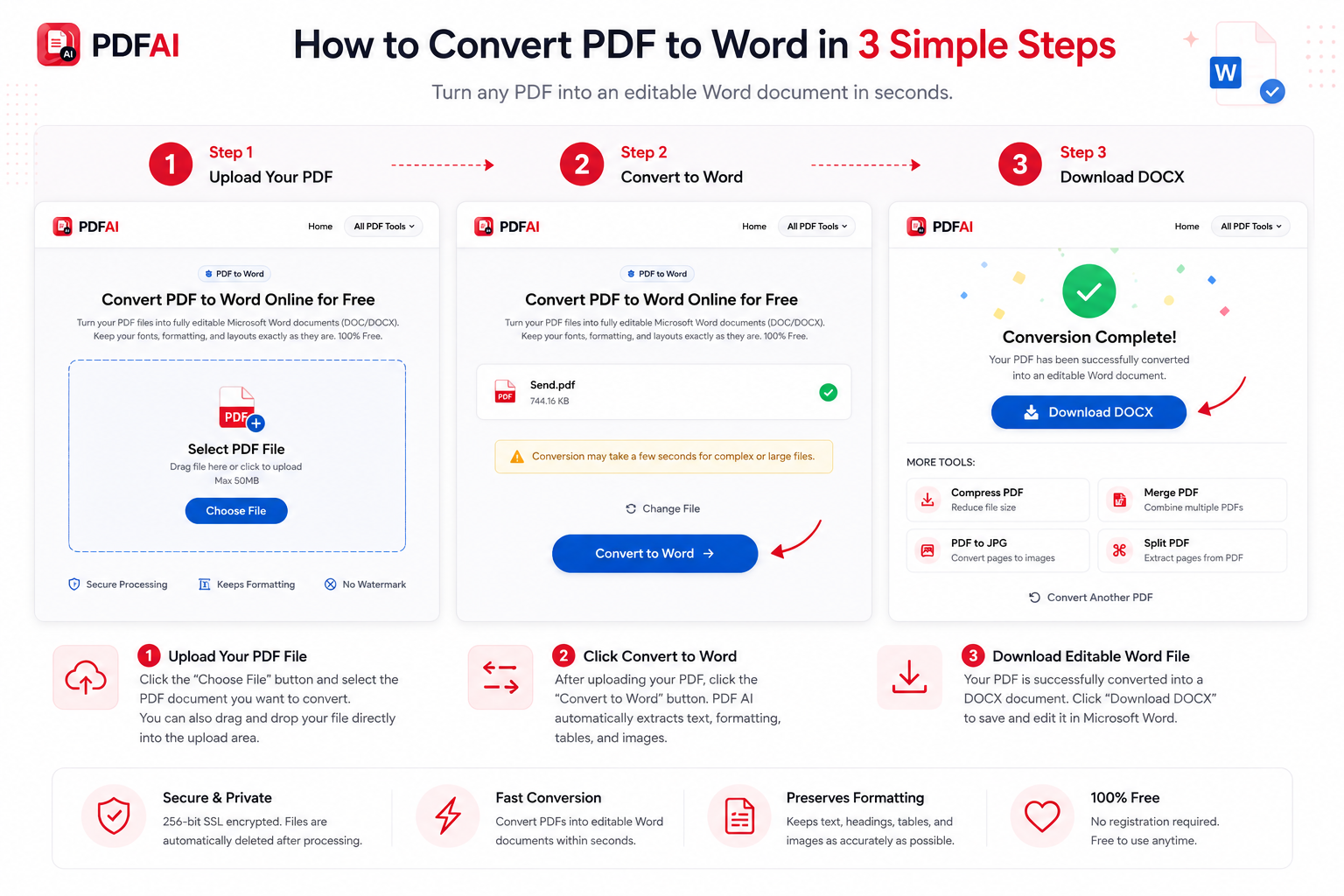
How do I convert PDF to Word?

Upload your PDF to our PDF to Word converter. Our OCR engine will scan the document and provide a fully editable DOCX file while maintaining the original layout and fonts.

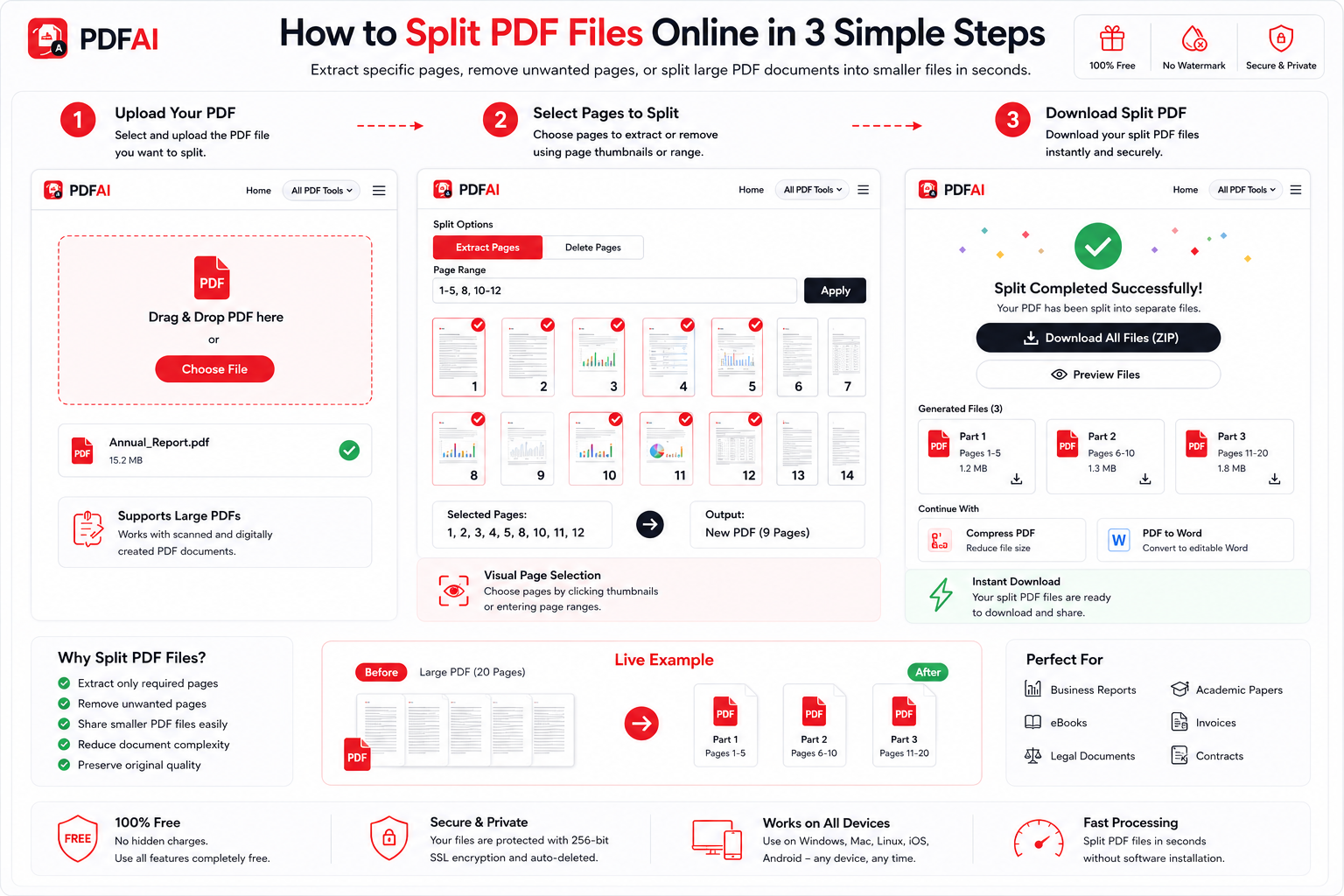
How do I split a PDF?

Use our Split PDF tool to extract specific pages or divide a large PDF into multiple smaller files. Select the page ranges you need and save them instantly.

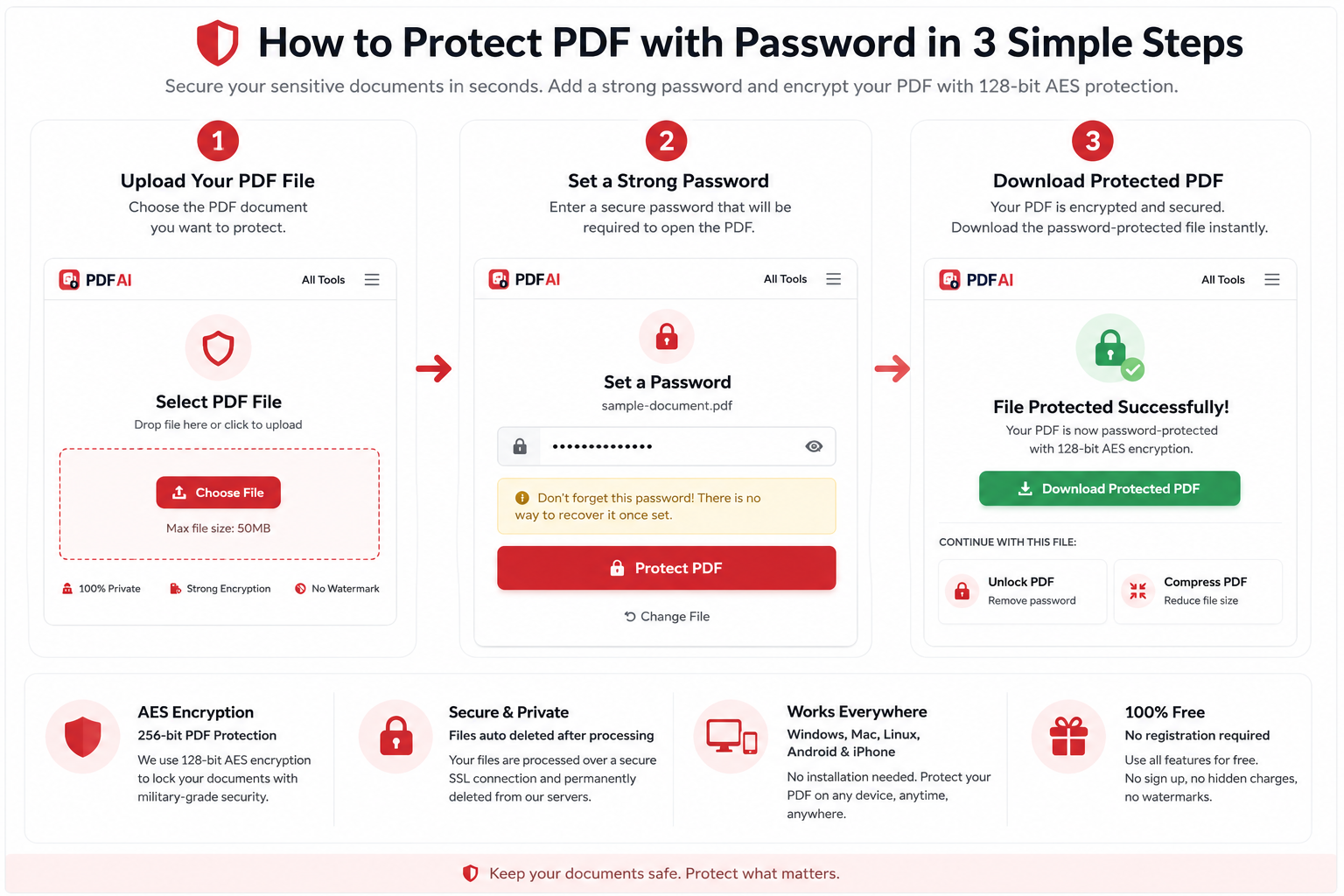
How do I protect a PDF with a password?

Upload your file to our Protect PDF tool, enter a strong password, and we will encrypt your document using 256-bit AES encryption to ensure maximum security.

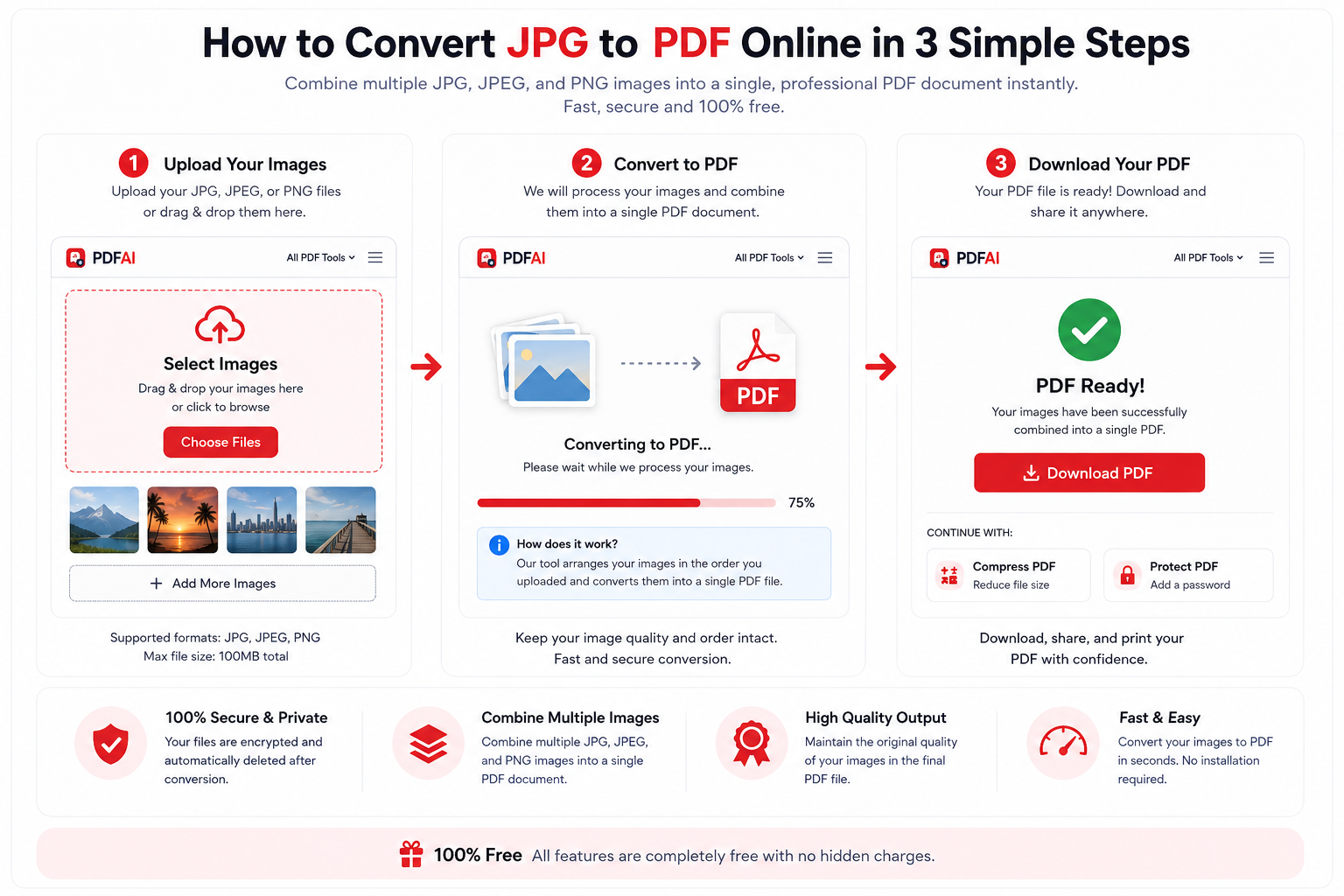
How to convert JPG to PDF?

Drag and drop your JPG or PNG images into the JPG to PDF converter. You can arrange the images in order, adjust page orientation, and save them as a single PDF file.

Are these PDF tools completely free?

Yes, our core PDF tools and comprehensive step-by-step guides are free to use. We aim to help you streamline your document workflow without unnecessary costs.